Power at your
Fingertips
Designed for fast-paced live streams. Whether you're on a massive desktop setup or walking the stage with your phone.
The Command Center
Your main dashboard gives you a bird's-eye view. Create polls instantly on the left, watch live bar charts animate in the center, and track your top students on the right. Designed to look amazing on OBS.
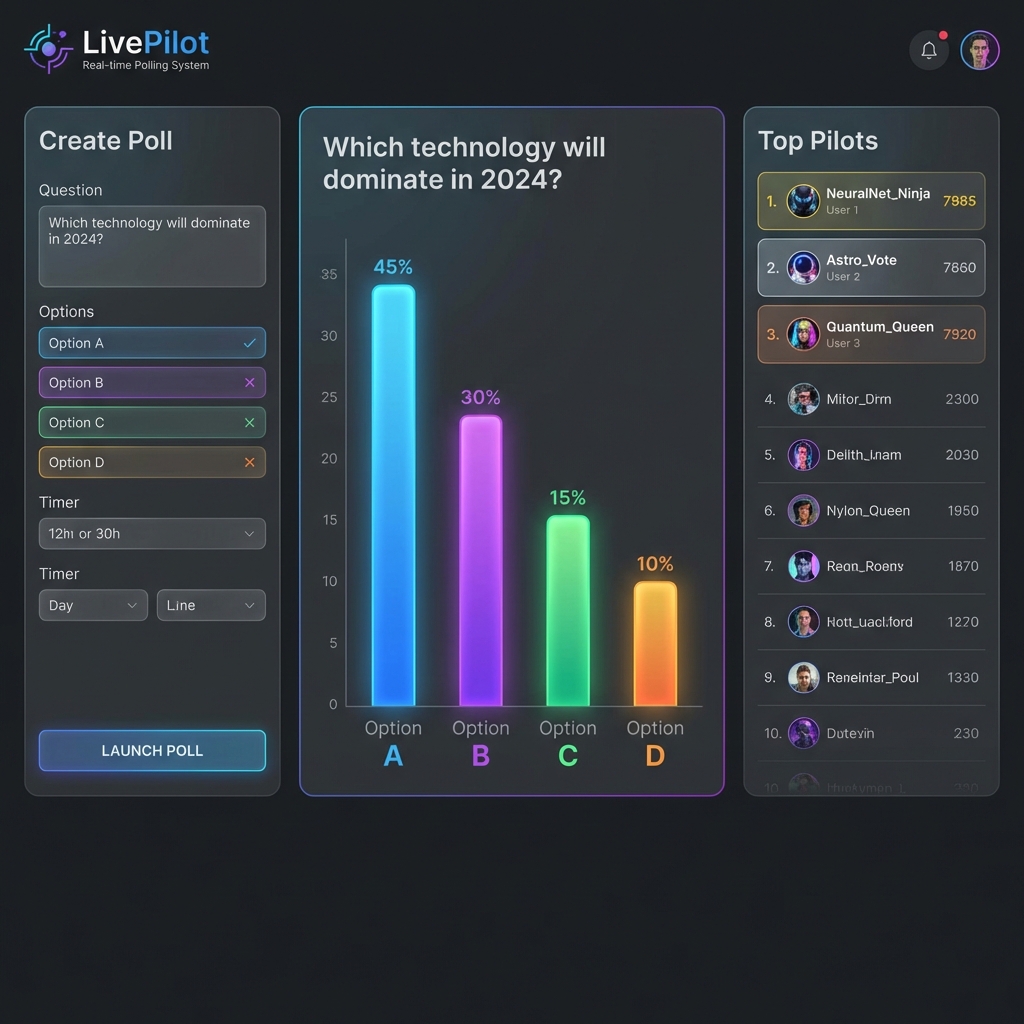
Figure 1: 3-Column Dashboard Layout
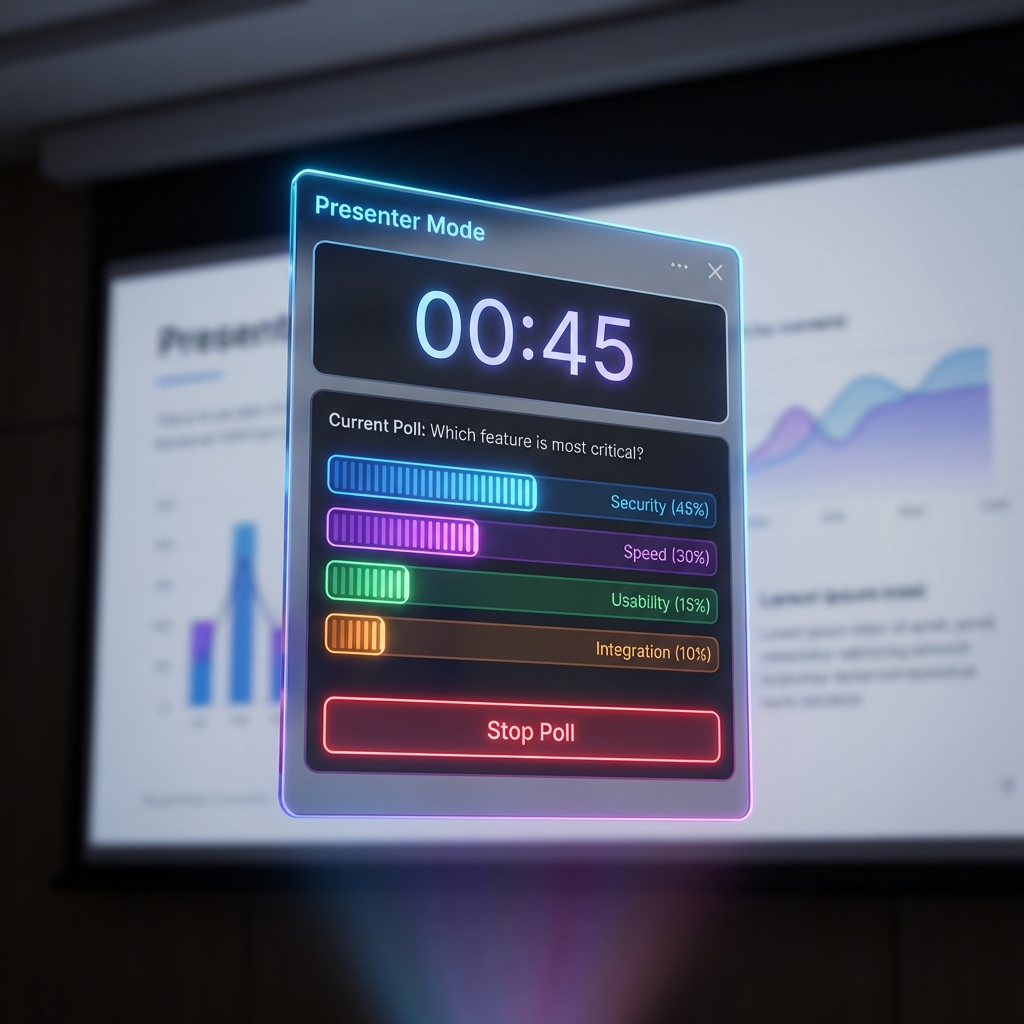
Figure 2: Compact Presenter Widget
Float Over Your Slides
Don't want to switch tabs? Neither do we. Pop out the Presenter Widget and keep it floating on top of your PowerPoint or Keynote. Control everything—start, stop, and reveal answers—without ever blocking your content.
Control From Keynote
Walking around the stage? Use your phone. The interface automatically adapts to a "Stacked" layout with thumb-friendly controls. Review live stats and leaderboards from the palm of your hand.
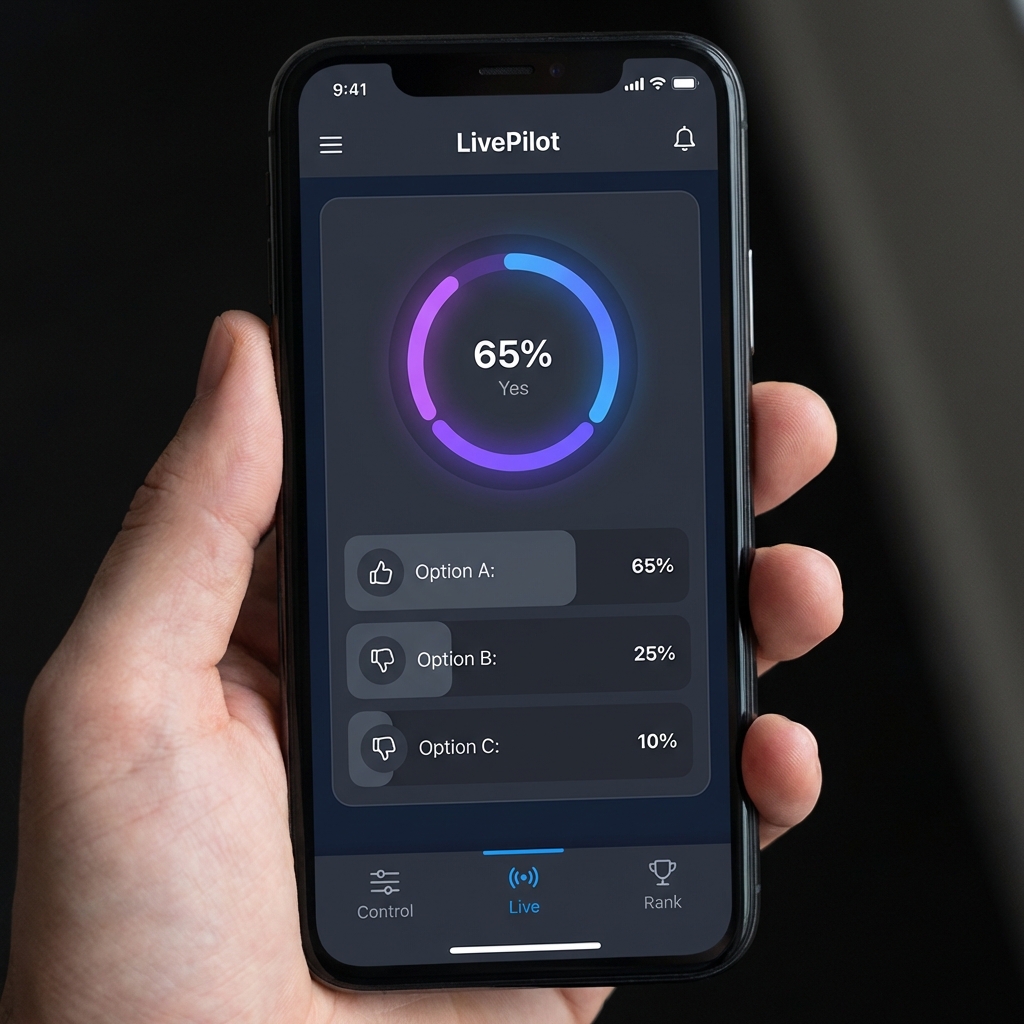
Figure 3: Adaptive Mobile Layout